AI ticket prioritization: How it works and how to set it up
AI ticket prioritization uses AI to rank incoming support tickets by urgency, impact, and context. See priority levels and how to test it before go-live.

Nov 01, 2026 • 6 MIN READ
AI ticket prioritization uses artificial intelligence, including natural language processing (NLP) and machine learning, to automatically read, score, and rank incoming customer support tickets by urgency, impact, and context instead of first-in, first-out order.
Each ticket is assigned a priority level, and many systems also weigh customer sentiment. As a result, the queue reflects who needs help first rather than who wrote in first. Manual sorting and rigid keyword rules give way to a queue that reorders itself in real time as new tickets arrive.
How does AI ticket prioritization work?
AI ticket prioritization reads each new ticket as it arrives, turns its text into signals, scores those signals against your criteria, and acts on the score. Most systems follow four moves:
Read and extract. NLP and large language models (LLMs) read the subject, message, and conversation history. They pull out intent, the product or order involved, account details, and tone, even when the customer phrases things in an unusual way.
Classify. Machine learning sorts the ticket into a type, such as billing, delivery, account access, or a product question, and matches it to the customer’s record.
Score. The system weighs urgency, business impact, context (plan, account value, open tickets), customer sentiment, and the risk of breaching a service level agreement (SLA). It then assigns a priority level.
Act. Depending on its priority and type, the ticket is resolved by an AI agent, routed to the right agent or group, or handed to a person.
AI ticket priority levels
Priority levels vary by team and help desk, so the labels are a choice rather than a standard. Most AI ticket prioritization setups use four, the same four Freshdesk uses: urgent, high, medium, and low. Sentiment is a separate score; Freshdesk labels it negative, neutral, or positive. The table below shows what each level typically looks like for a customer service team.
Level | Customer-service example | Typical signal | AI action
|
|---|---|---|---|
Urgent (sometimes labeled critical) | A checkout or login failure blocking many customers at once | A spike of similar tickets in a short window, phrases like “can’t pay” or “locked out,” and strongly negative sentiment | Moves to the top of the queue, groups similar tickets, and alerts the team lead on shift |
High | A failed payment, a refund request with churn risk, or a VIP account issue | High-value account, cancellation language, or an SLA close to breach | Routes to a skilled agent ahead of the standard queue |
Medium | A shipping-date question or a how-to question about a feature | Clear intent, neutral tone, and no account risk | Resolved by an AI agent when the answer is known; otherwise placed in the standard queue |
Low | Product feedback or a general inquiry | No deadline, with neutral or positive sentiment | Resolved by an AI agent when the answer is known; otherwise acknowledged, tagged for review, and answered after higher-priority tickets |
How is AI prioritization different from first-in, first-out queues and keyword rules?
AI ticket prioritization weighs what each ticket means and how much it matters, while first-in, first-out queues only track arrival order and keyword rules only match words. A first-in, first-out queue answers a routine question ahead of an outage because it arrived first. Keyword rules miss tickets that are phrased differently, and they misfire on tickets that use the right word in the wrong way.
Situation | First-in, first-out queues or keyword rules | AI prioritization
|
|---|---|---|
A “where is my order” question arrives a minute before an outage report | The first-in, first-out queue answers the order question first because it arrived first | The outage report moves ahead because of its urgency and business impact |
A customer writes “I want my money back” | Missed unless the rule also lists every way of asking for a refund | Recognized as a refund request from its meaning |
A customer writes “not urgent, just curious” | Flagged urgent because the word “urgent” matched | Read as low priority from context |
New products, policies, or plans launch | Admins write and test new rules for each change | New phrasings are understood without a new rule for each one |
The customer’s account and history matter | Only the fields a rule explicitly checks are considered | Account value, history, sentiment, and SLA risk are weighed together |
Where does AI ticket prioritization fit in Freshdesk?
In Freshdesk, prioritization is part of AI-powered customer service for growing teams, and Freddy AI Copilot is where it shows up for agents: it prioritizes work, surfaces context, and recommends next steps. Copilot’s Auto Triage reads each new email and portal ticket, including its intent and sentiment, and uses patterns from past tickets to suggest or set its priority, group, and type. Freshdesk Command Center brings conversations from across channels, customer context, and AI together in one place, where agents can access, manage, and resolve customer queries.
Freddy AI Copilot helps agents prioritize by customer sentiment: it flags frustration or urgency in the latest message as it arrives and surfaces similar past tickets beside it. Admins decide which sentiment scores count as negative, neutral, or positive, so the labels match the kind of tickets their team gets.
Freddy AI Agents settle routine tickets on their own and take actions as they go, such as changing a subscription or issuing a refund. Tickets that need a person’s decision go to your team with the conversation history.
Freddy AI Insights shows team leads trends and unusual spikes in the queue, with their likely causes, so they can act before issues escalate.
What happens after a ticket is prioritized?
After AI ticket prioritization scores a ticket, the ticket usually takes one of three paths: it is resolved, routed, or handed to a person with context attached. Tickets that stay in the queue are worked in priority order, with the most urgent ones at the top. In Freshdesk, Freddy AI Agents cover the first and third paths.
Resolve routine requests. When a request is routine and the answer is known, an AI agent resolves it in the customer’s channel, so human agents can focus on more complex queries.
Route to the right agent or group. Routing matches the ticket to an agent’s skills and availability, so high-priority work reaches someone who can act on it right away.
Hand off to a person. When the AI’s confidence is low, or when the customer is high-impact, a person owns the moment. The customer’s history travels with the ticket, so whoever picks it up can act without asking the customer to repeat themselves.
The handoff path is the safeguard that makes automation safe to switch on. Prioritization decides the order, and people stay in the loop wherever judgment matters.
Want AI agents clearing routine tickets while your team takes the judgment calls? Try Freshdesk free for 14 days with the full Enterprise plan unlocked.
How to test AI ticket prioritization before you go live
To test AI ticket prioritization, run it against tickets your agents have already prioritized and compare its priority levels with theirs. Only after that comparison should you let it set priority on live tickets. Testing this way shows where the AI agrees with your team, where it disagrees, and which criteria need adjusting, all before a customer is affected.
Before launch: Compare AI priority with agent priority
Pull a set of recent past tickets that your agents have already prioritized. Include every channel and every priority level.
Run the AI in a shadow or test mode, where it scores tickets without acting on them.
Compare the two sets of priorities. Pay closest attention to tickets your team marked urgent or high that the AI ranked lower.
Review a sample of the disagreements with team leads. Adjust the criteria, such as VIP rules, SLA thresholds, or sentiment weighting, and then run the test again.
Go live in suggestion mode, where the AI proposes a priority and an agent confirms it.
Apply a two-part readiness test before handing over control. Overall agreement with your agents must reach your threshold. The AI must also rank no urgent or high ticket lower than your agents did. Once both hold, let it set priority on its own.
After launch: Track the metrics that show value
SLA attainment: the share of tickets resolved within their SLA, broken out by priority level
Time to first response: whether urgent and high tickets are reached sooner than before
Resolution time: whether the right tickets are closing faster
Reprioritization rate: how often an agent changes the priority the AI assigned, which is the most direct ongoing accuracy signal
Reprioritization rate and SLA attainment by priority level are the figures business and finance leaders should see before prioritization moves past a pilot. With Freshdesk, AI agents come prebuilt, and setup is guided, so teams can gather that proof on a small pilot and scale when they choose.How to choose a help desk for AI ticket prioritization
Choose a help desk software for AI ticket prioritization on three factors: the setup its AI needs before it can sort a queue, whether its AI agents arrive prebuilt, and the unit its AI is billed by. Prioritization only pays off when the AI around it can act on the order it sets.
Platform | AI setup | Ready-to-use AI agents | AI pricing model
|
|---|---|---|---|
Freshdesk | AI is ready to use, with guided tours, quick-start walkthroughs, and onboarding flows. Admins can also write AI agent workflows in plain English with Natural Language Workflows, or build them in the no-code Workflow Builder | Prebuilt AI agents for ecommerce, travel, fintech, and logistics, with more than 50 workflows, which teams can run alongside the workflows they build themselves | Freddy AI Copilot, which prioritizes agent work with Auto Triage and sentiment analysis, is $29 per agent monthly, billed annually, on Pro and Enterprise. The first 500 Freddy AI Agent sessions are included once per account, then $49 per 100 sessions. |
Zendesk | Admins write each AI agent workflow as a plain-language procedure in the builder | Its prebuilt template library is closed to new accounts | 5-15 automated resolutions per agent monthly are included. After that, it’s $1.50 per committed resolution or $2.00 pay-as-you-go. Copilot is a $50 per agent monthly add-on, billed yearly, on Support Professional, Suite Professional, and higher plans. |
Intercom with Fin | Fin runs inside Intercom’s own help desk or on one a team already uses, such as Salesforce or HubSpot | Connector templates for tools such as Shopify and Stripe, which teams then build into their own workflows | The Essential seat is $19 per seat monthly, billed annually, and Fin costs from $0.99 per outcome. Copilot adds $29 per agent monthly, billed annually. |
Agentforce for Service | Sold with Service Cloud: available to buy on the Core and Advanced editions, included in Max | Service agent templates come with the full AI suite in the Max edition | Flex Credits at $500 per 100,000 credits, charged per action, or per-user licenses. |
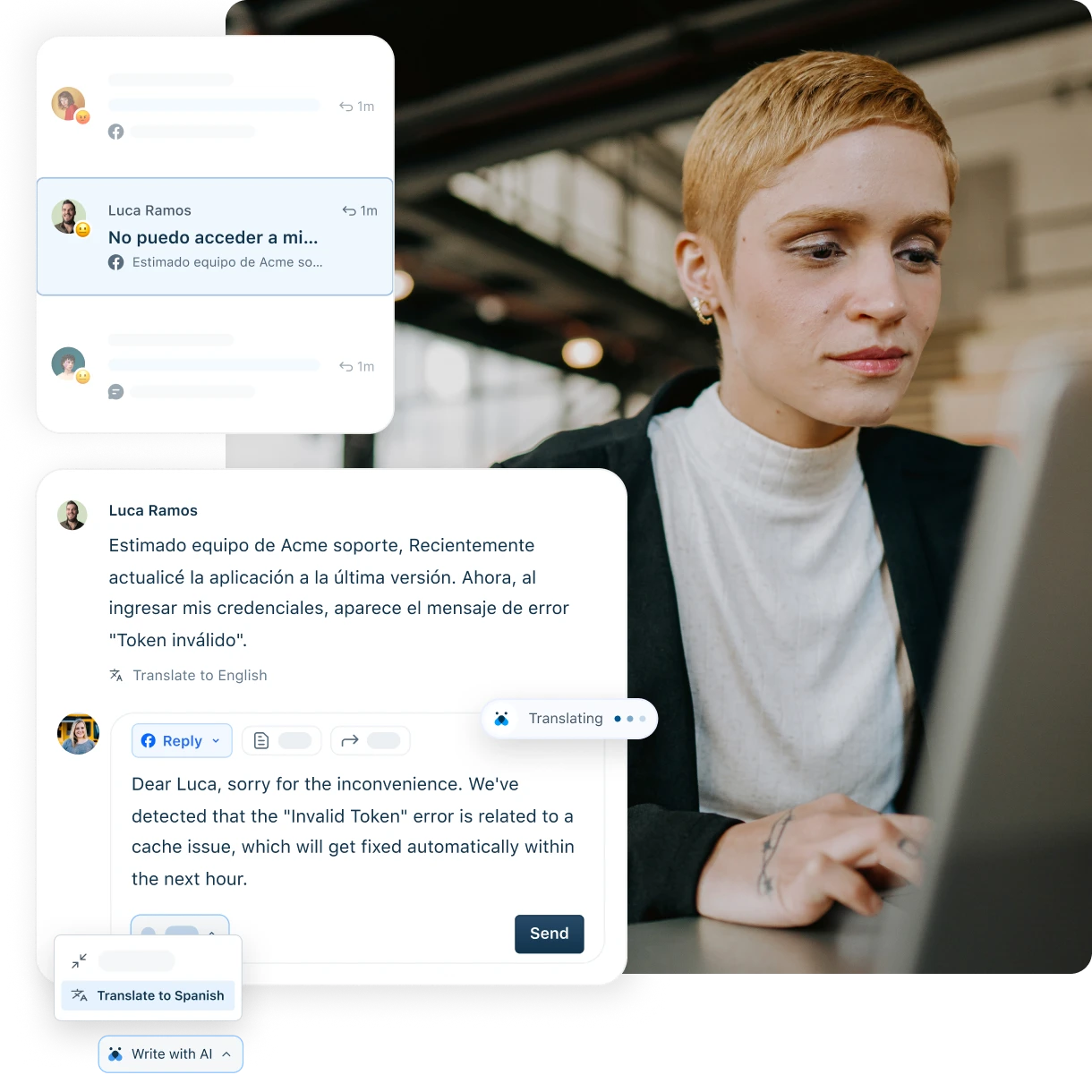
Growing teams, typically at businesses of 50 to 500 employees, that want AI outcomes without a lengthy transformation program will find Freshdesk practical for prioritization work. In Freshdesk Command Center, for example, an agent sees an urgent chat ticket ahead of lower-priority work. Freddy AI Copilot shows the customer’s sentiment and a quick summary so the agent can get to it faster, with past tickets and context beside it for an easier resolution.
Try the seamless AI-powered customer service solution
Start your free trial today. No credit card required.
Articles related to customer complaint software
Customer service
Learn more about customer service through our ultimate guide and take a look at how to improve the customer service offering of your business
Freshdesk Omni product tour
Check out Freshdesk Omni product tour and experience the AI-powered omnichannel solution with advanced conversational and ticketing capability
Customer engagement platform
Click here to scover what defines a customer engagement platform, its operations, benefits, and leading customer engagement platforms in 2026.
Customer feedback software
Explore our comprehensive guide on customer feedback tools, providing insights into the top customer feedback softwares of 2026.
Freshdesk product tour
Experience an interactive product tour of Freshdesk and explore its capabilities first hand.