
Elevate service management with AI that gets work done
Key benefits
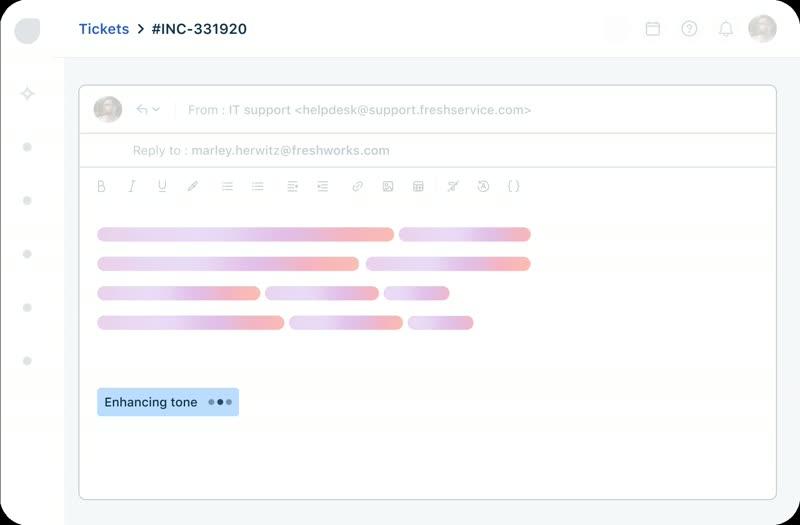
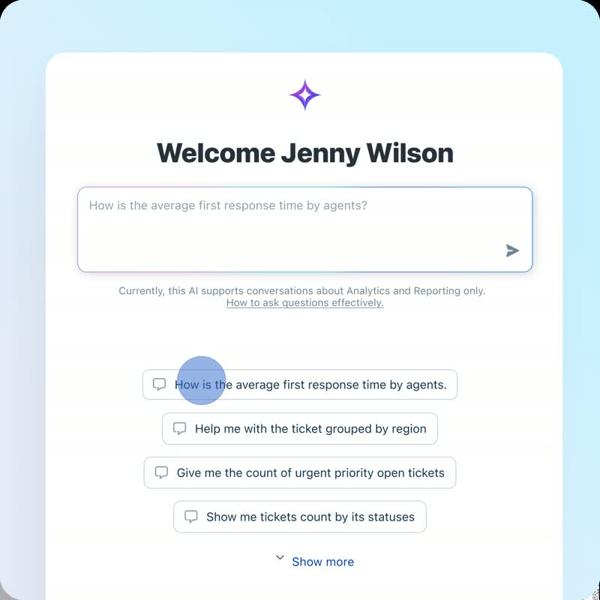
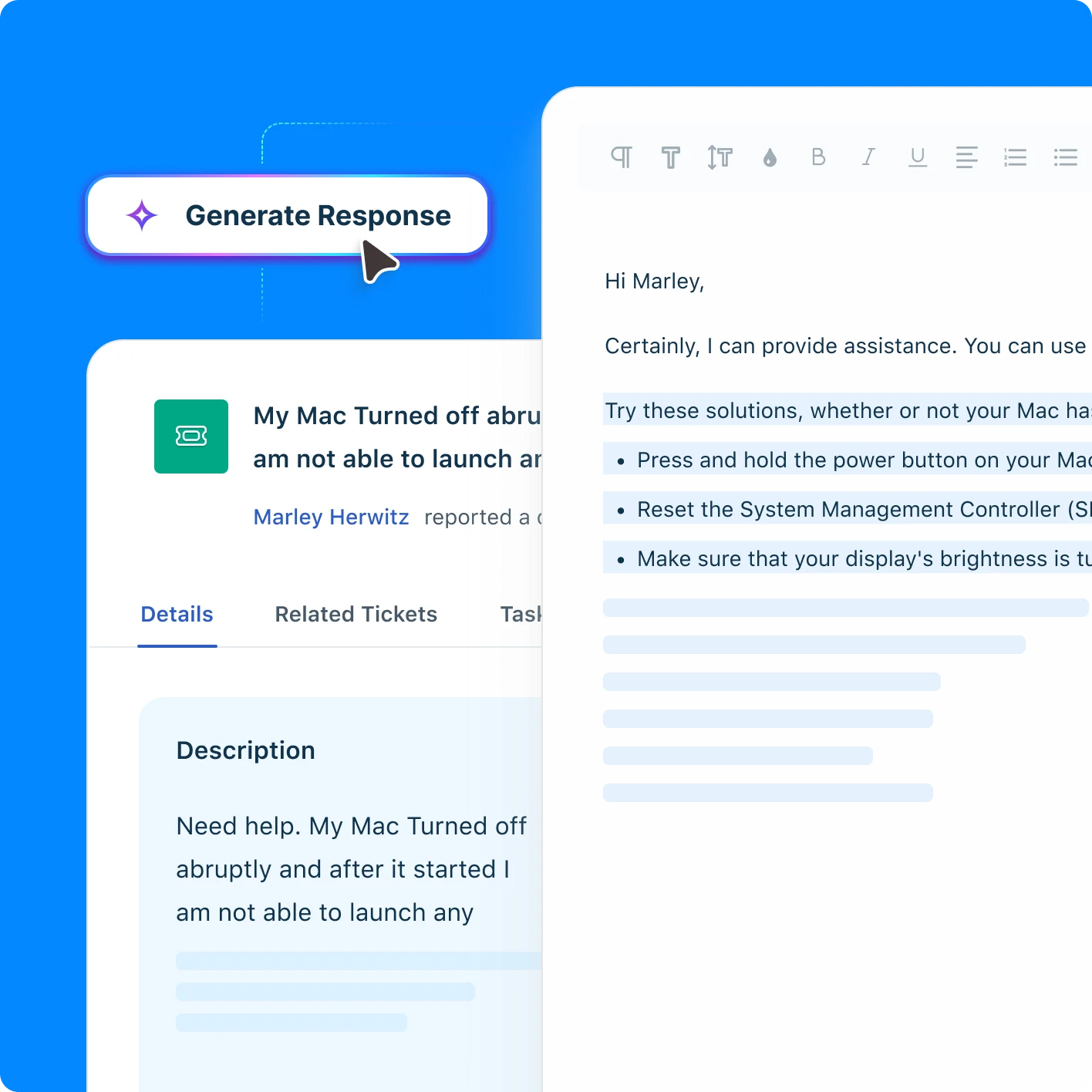
Explore Freddy AI in action
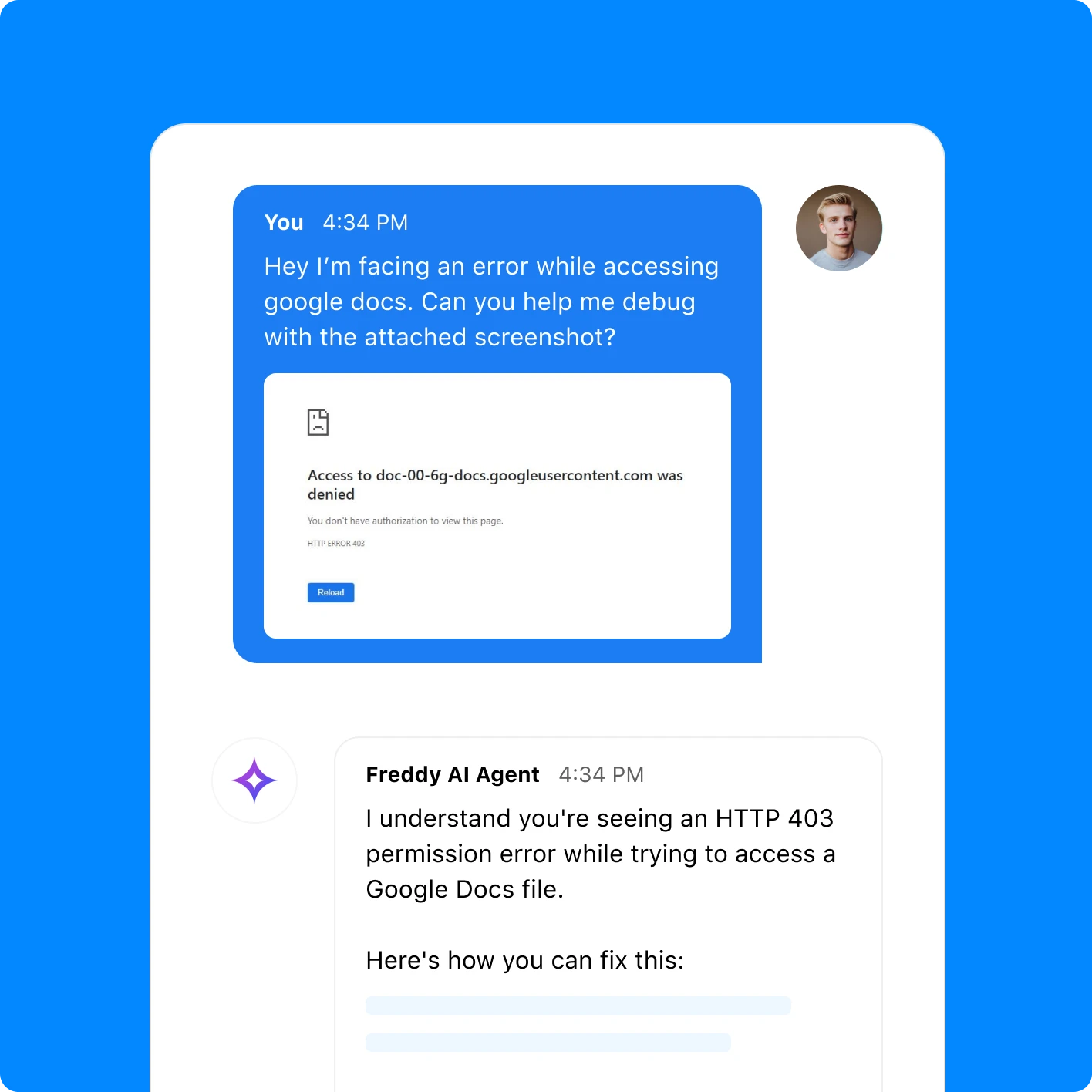
Conversational AI Agent for 24/7 employee support
Join 20,000+ companies unifying their IT service & operations
View all customer stories
With features like conversational support and the solution article generator, we are now able to deliver intelligent and user-centric IT support.


Freshservice has been essential to our growth. Its automation and AI-powered features like the ticket suggester and Freddy AI Insights are enhancing our efficiency and enabling us to scale our IT support effectively.


Because of the Freddy AI virtual bot, we could deflect 65% of the tickets. Copilot is helping us be consistent and accurate with the resolution description. It saves 200 hours per month. Insight/analytics is helping to find the gaps and fix them so that Freddy can further improve.

Trusted by experts
Trusted by IT teams worldwide. Recognized for usability, reliability, and customer satisfaction.


Your AI implementation guide
Explore resources to help you get the most out of AI-powered IT service management.

AI + ITSM: A practical guide

2024 AI workplace report

Freddy AI: Solution Overview

Freddy AI Immersive Demo 2025
Frequently asked questions
What is Freshservice Freddy AI, and how does it work?
Freddy AI is an AI-powered assistant built into Freshservice that handles employee requests across the IT service lifecycle. It uses natural language processing to understand what employees need, then either resolves issues automatically or routes tickets to the right teams for faster resolution.
What are the key features of Freddy AI in Freshservice?
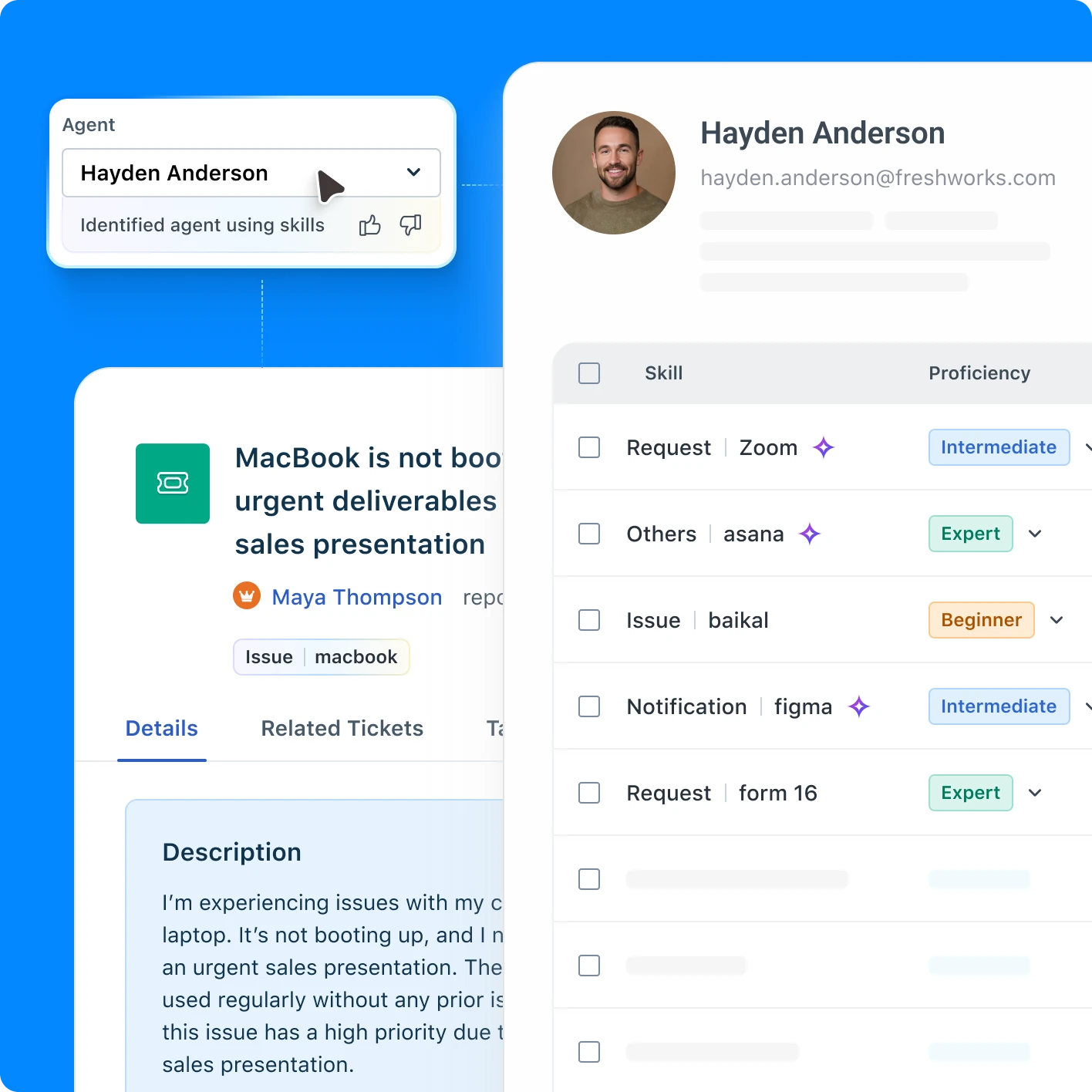
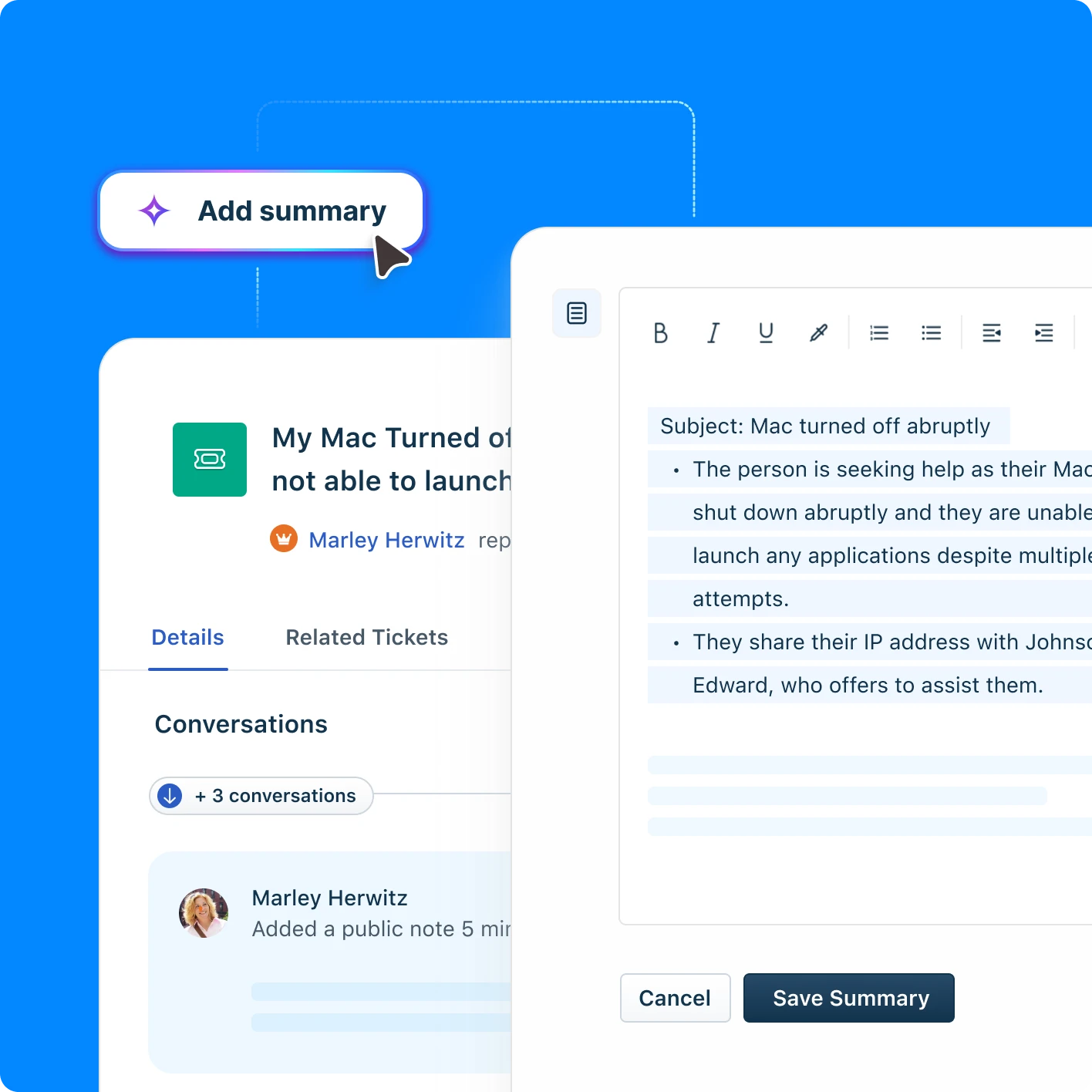
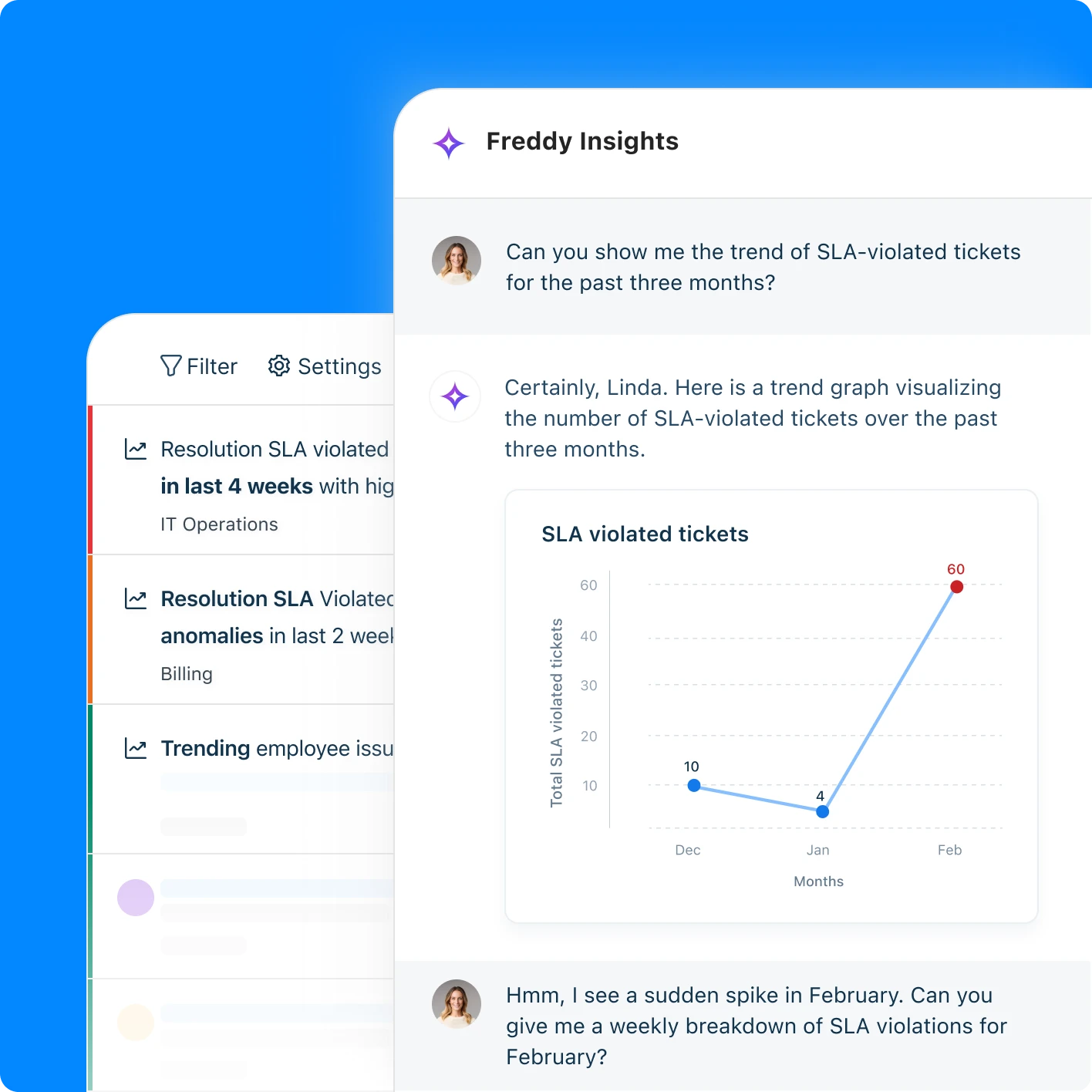
Freddy AI includes three main parts: Copilot assists agents with reply suggestions and ticket summaries, Agent resolves common requests automatically, and Insights provides analytics. It also offers multilingual support, knowledge article creation, and integration with popular workplace tools such as Teams and Slack.
How does Freddy AI improve productivity in IT service teams?
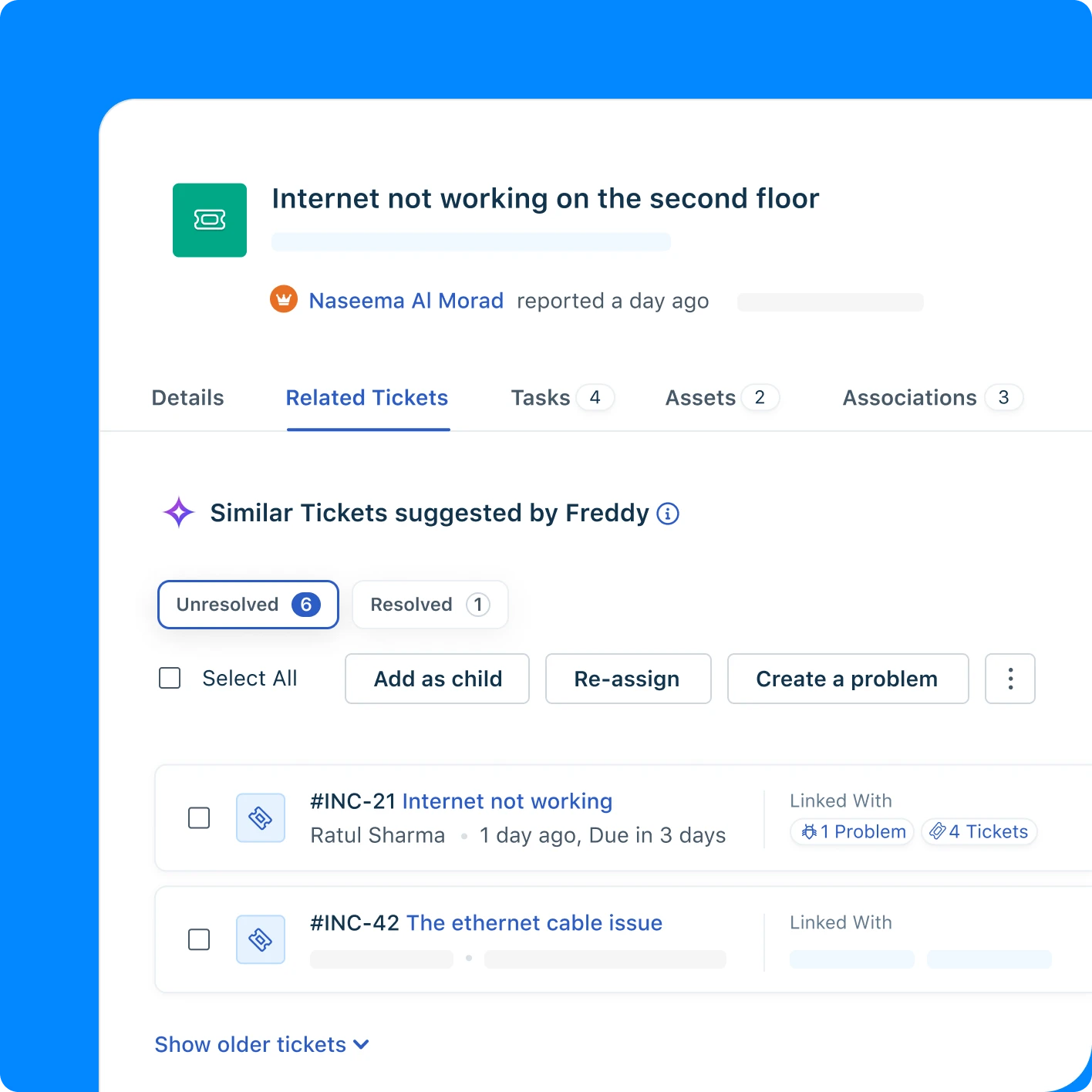
Freddy AI speeds up agent responses by suggesting replies based on similar past tickets and knowledge articles. It automates routine tasks such as ticket summaries and resolution notes while deflecting common requests through self-service. Real customers report up to 73% reduction in incident volume.
Can Freddy AI automate IT workflows in Freshservice?
Yes, Freddy AI can resolve up to 80% of common queries automatically without agent involvement. It automates ticket routing, field population, status updates, and resolution documentation. The system also connects with remediation tools to fix issues directly and maintains context across complex multi-step conversations.
What are the benefits of using Freddy AI for IT operations in Freshservice?
Freddy AI reduces IT complexity by combining device data and conversation insights directly into tickets. This shortens the path from problem identification to resolution, reduces manual work for IT teams, and improves the employee experience by enabling faster, more accurate support across multiple languages and channels.
Does Freddy AI integrate with existing IT tools in Freshservice?
Yes, Freddy AI connects with Microsoft 365 Copilot, Slack, Teams, SharePoint, and Google Drive. It pulls information from these systems to provide better answers and can attach device data directly to tickets. This integration keeps employees in their preferred workflows while resolving IT issues.