Migrate from BMC to Freshservice: A complete guide
Experience the difference with Freshservice's unified IT management platform that makes enterprise-grade IT management simple and effective.

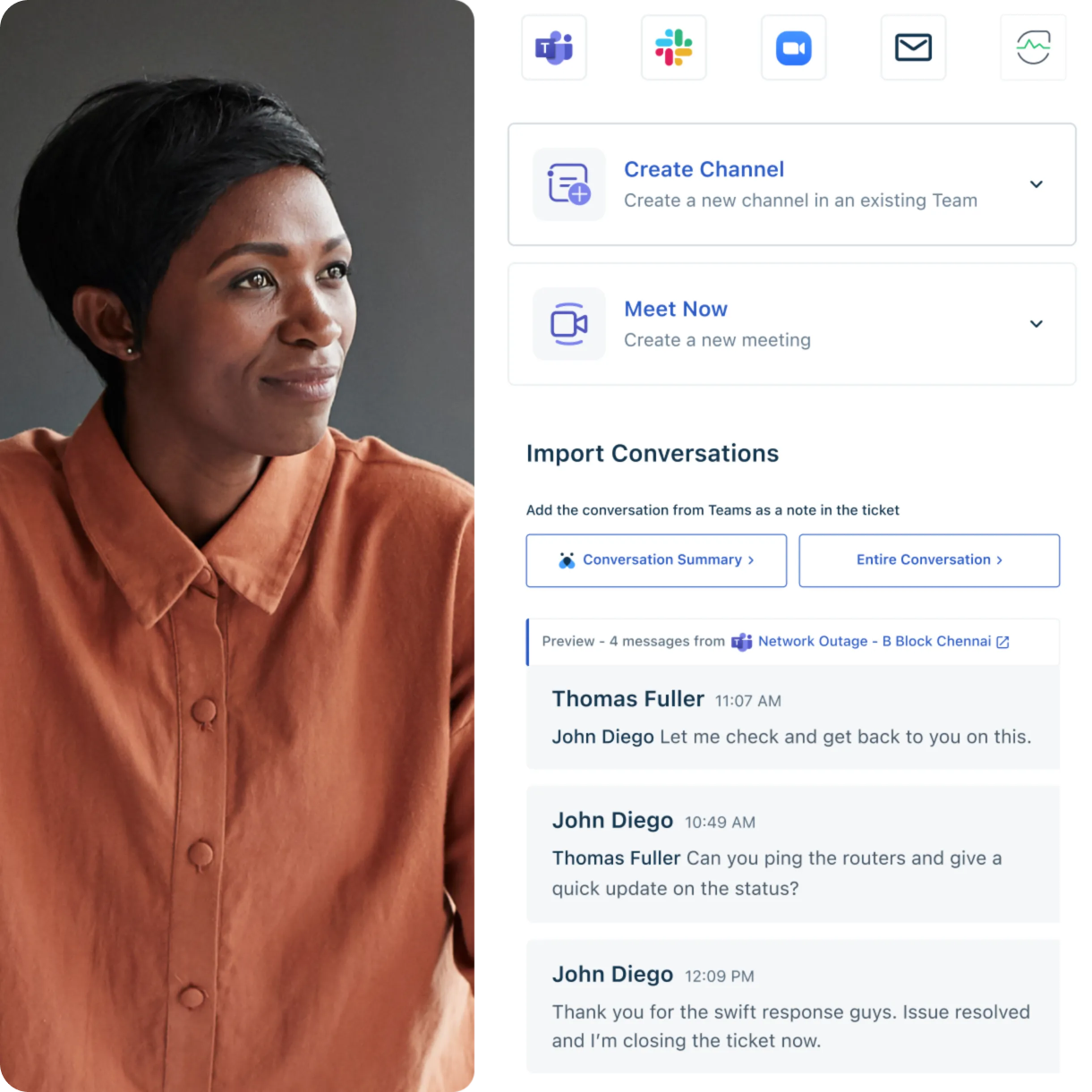
Moving from BMC ITSM platforms such as BMC Helix or Remedy to Freshservice represents a strategic shift toward modern, user-friendly IT service management (ITSM). This transition addresses the growing need for organizations to balance powerful functionality with operational simplicity.
Many IT teams find themselves managing highly customized BMC environments that require extensive technical expertise and ongoing maintenance. Freshservice offers a cloud-native alternative that combines ITSM, ITOM, and ITAM capabilities into a single unified platform.
The migration process involves careful planning, data transfer, and system configuration to ensure your organization maintains service quality while gaining improved user experience and operational efficiency.
Let's explore the compelling reasons why organizations choose to make this strategic platform change and how it benefits their IT operations.
Why migrate from BMC to Freshservice?
Organizations choose to migrate from BMC to Freshservice for several advantages that address both immediate operational needs and long-term business goals.
These include:
1. User experience and adoption
BMC systems often present challenges due to outdated interfaces and complex navigation, requiring extensive user training.
Freshservice is praised for its intuitive design and mobile app, which offers a desktop-like experience, setting it apart from BMC. This user-friendly approach significantly improves adoption rates among IT teams and end users.
2. Cost predictability and ROI
BMC Helix ITSM pricing is based on custom quotes tailored to each organization's needs, making cost planning challenging.
Freshservice offers transparent tiered pricing, starting at $19 per agent per month for the Starter plan and scaling to $119 per agent per month for Enterprise features. This predictable pricing model helps organizations better manage IT budgets and achieve faster return on investment.
3. Implementation speed and complexity
BMC platforms offer extensive customization options; however, they often require significant implementation time and technical expertise.
Freshservice's cloud-native architecture ensures rapid deployment with minimal learning curves. This allows organizations to start realizing benefits quickly, without the need for lengthy setup processes.
4. Modern AI integration
Freshservice includes Freddy AI capabilities that work out of the box, providing intelligent automations, predictive insights, and enhanced user support without additional configuration. This people-first AI approach contrasts with more complex enterprise AI implementations that require extensive customization.
Understanding these migration drivers helps organizations prepare for the detailed planning and execution phases that ensure successful platform transitions.
Key considerations before migrating from BMC to Freshservice
A successful BMC-to-Freshservice data migration requires thorough preparation and strategic planning to minimize risks and maximize outcomes. Organizations must evaluate their current environment and establish clear objectives before beginning the migration process.
1. Assessing the current BMC setup
The most critical phase involves conducting a thorough audit of your existing BMC environment. This assessment should engage your support team to identify all active modules, custom workflows, forms, integrations, and reports essential to your IT operations.
BMC's highly customizable nature means documenting these configurations becomes essential for planning your Freshservice implementation.
Your audit should catalog all data objects, including open and closed tickets, configuration management database (CMDB) items, knowledge base articles, user accounts, and group permissions. This inventory helps determine which elements require direct migration and which processes can be redesigned using Freshservice's native capabilities.
Pay special attention to custom fields, business logic, and third-party integrations that support your current workflows. Understanding these dependencies ensures you can replicate or improve upon existing functionality in your new Freshservice environment.
2. Defining migration goals and KPIs
Establish specific objectives for your Freshservice implementation beyond simply replicating current BMC functionality. Consider opportunities to streamline processes, improve the user experience, and adopt new capabilities, such as enhanced asset management or AI-powered automations.
Define measurable success criteria, including:
User adoption rates
Ticket resolution times
System performance metrics, and
Cost savings targets.
These KPIs serve as benchmarks for evaluating migration success and identifying post-implementation optimization opportunities.
Document the existing features you want to replicate and the new Freshservice capabilities you wish to adopt. This strategic planning ensures your migration delivers meaningful business value rather than simply moving data between systems.
Ready to experience seamless IT service management?
Step-by-step guide to migrating from BMC to Freshservice
The migration process follows a structured approach that ensures data integrity while minimizing service disruptions for your organization.
Step 1: Data mapping and field migration
Begin by creating a detailed service mapping between BMC fields and entities and their Freshservice equivalents. This mapping determines migration success and requires careful review of help desk ticketing systems, including tickets, change requests, assets, and user data. The process provides an opportunity to cleanse data, removing outdated tickets, inactive users, and irrelevant configuration items.
Organizations can choose between ITSM automation and manual processes for migration. Specialized services handle a large portion of the work via APIs, minimizing manual effort and reducing the risk of data loss. Demo migrations using small, representative datasets help identify and resolve issues before the main migration.
Critical data objects for migration include tickets with their complete change history, notes, and attachments. Your CMDB migration should preserve configuration items and their relationships, leveraging Freshservice's integrated asset management capabilities.
Step 2: Testing and validation
User acceptance testing involves key users testing workflows, automations, and integrations to ensure the new system meets operational requirements. Integration testing confirms that all connections with your CMDB, email systems, and business applications function correctly.
Post-migration validation verifies that all historical data is transferred accurately and without corruption, ensuring data integrity throughout the transition. This validation phase should include spot-checking ticket histories, verifying user permissions, and confirming that all custom fields are populated correctly.
Step 3: Go-live and post-migration support
The go-live phase requires scheduling freeze periods during which no new data is created in the old BMC system, ensuring clean final data synchronization. Organizations must communicate go-live plans, training schedules, and support channels to all users well in advance.
Conducting training sessions and creating user guides helps teams adjust to Freshservice's interface and workflows. Freshservice's intuitive design typically improves adoption rates compared to more complex enterprise platforms, but proper training ensures users can fully leverage new capabilities.
What are the benefits of migrating from BMC to Freshservice?
The transition from BMC to Freshservice delivers measurable improvements across multiple dimensions of IT desk service management.
1. Enhanced user experience and productivity
Freshservice users consistently report improved navigation and workflow efficiency compared to BMC's more complex interfaces. The platform's knowledge base empowers self-service resources, reducing ticket volume while improving user satisfaction. Mobile app functionality provides full desktop capabilities, enabling IT teams to manage services from anywhere.
2. Streamlined operations and automation
Freshservice's workflow automation tools, including drag-and-drop features, simplify workflow creation without requiring technical expertise. The unified incident view supports multiple ticket creation channels, including Slack, Microsoft Teams, email, and mobile apps, centralizing service requests and improving response times.
3. Integrated asset management
The platform combines ITSM, IT operations management (ITOM), and IT asset management (ITAM) capabilities into a single solution, eliminating the need for separate tools and reducing integration complexity. Azure AD integration enhances CMDB capabilities while maintaining security and access controls.
4. Predictable costs and faster ROI
Transparent pricing models help organizations budget effectively while avoiding unexpected licensing costs common with enterprise platforms. The simplified implementation process reduces consulting expenses and accelerates time-to-value.
5. AI-powered insights and support
Freddy AI provides intelligent automations, predictive analytics, and enhanced user support without requiring extensive configuration. AI-powered article generation improves knowledge base quality while reducing manual content creation efforts.


What are the common migration challenges, and how can they be overcome?
Migrating to a new platform often comes with a range of challenges, from data integrity issues to process disruptions. Let’s take a closer look at these common obstacles and how to address them effectively:
Challenge | Impact | Solution |
Data loss or corruption | Service history and critical information may be lost during transfer | Use automated migration tools and perform thorough demo migrations to minimize risks while ensuring data integrity |
Complex customizations | BMC's highly customized workflows can be difficult to replicate in a new environment | Document all customizations during planning phases and explore Freshservice's native capabilities or integrations to meet similar operational needs |
User adoption resistance | Teams may resist learning new systems and processes | Provide clear communication, training, and highlight improved user experiences to overcome resistance |
Service disruptions | Migration activities may interrupt normal IT operations | Implement dual-system integration during transitions to minimize service interruptions while maintaining operational continuity |
Integration failures | Third-party connections may break during the platform transition | Test all integrations thoroughly and leverage Freshservice's extensive connector library for popular business tools |
Timeline overruns | Migration projects often exceed planned schedules | Create realistic timelines with buffer periods and use phased approaches for large, complex environments |
Want to see these benefits in action?
Freshservice tools to simplify migration
Freshservice provides specialized tools and services to streamline your migration from BMC platforms and reduce implementation risks.
BMC Helix Connector App
The beta connector for BMC Helix offers temporary dual-system support during transitions, allowing record synchronization while finalizing migration processes. This connector provides enhanced visibility and efficiency when collaborating with multiple stakeholders across both systems.
The BMC Helix integration enables creating and updating records in BMC Helix when tickets are created or updated in Freshservice, and vice versa. You can map custom fields across both systems, select tickets for synchronization based on specific conditions, and sync conversation notes between platforms.
Data Migration Wizard and Data Import to Freshservice
Professional help desk migration services also offer automated data transfer via APIs to minimize manual effort and reduce the risk of data loss. These services typically provide demo migrations for test processes before full implementation.
Freshservice's workflow automator helps recreate business logic from your BMC environment using intuitive drag-and-drop tools. The platform's extensive integration library connects with existing ecosystem tools, reducing the need for custom development work.
Real-world success stories: How businesses transform ITSM with Freshservice
Several organizations across various industries use the Freshservice unified IT management platform to boost efficiency, automate workflows, and improve service experiences.
Here are some examples:
1. Carrefour: Streamlined service experience
Carrefour, a global retail leader, simplified its incident management by adopting Freshservice’s unified self-service portal.
Carrefour reported higher agent productivity and satisfaction as its IT service processes became more accessible and efficient. With automated workflows and a centralized dashboard, the company improved resolution times and delivered a more consistent service experience to its employees.
2. Cordant Group: Rapid transformation with cloud ITSM tool
Cordant Group, a U.K.-based integrated services provider, moved to Freshservice to modernize ITSM across its growing organization. With cloud delivery, you can deploy Freshservice quickly; Cordant was operational within a day and fully ready in less than a week.
This fast implementation helped the company expand ITSM beyond IT into payroll and compliance, track performance metrics, and automate routine tasks. You can also boost efficiency, improve team productivity, and achieve high customer satisfaction scores, as Cordant did, reaching 96%.
Why Freshservice is the wise choice for modern ITSM
Freshservice represents the evolution of IT service management, delivering enterprise-grade capabilities without enterprise complexity. The platform addresses the core challenges organizations face with traditional ITSM solutions while providing modern features that support digital transformation initiatives.
The unified approach that combines ITSM, ITOM, and ITAM into a single unified platform eliminates the tool sprawl typical in enterprise environments. This consolidation improves data consistency, reduces training overhead, and simplifies vendor management while maintaining powerful functionality.
Freshservice's artificial intelligence in IT delivers intelligent capabilities out of the box, without extensive configuration. Freddy AI provides predictive insights, automated responses, and enhanced user support, improving service quality while reducing agent workload.


The platform's cloud-native architecture delivers automatic updates, global scalability, and enterprise security without requiring dedicated IT infrastructure management. This approach reduces the total cost of ownership while ensuring the ITSM platform stays current with evolving business needs.
Migration support tools and professional services ensure a smooth transition from legacy platforms, minimizing risks and service disruptions.
Ready to modernize your ITSM approach?
Frequently asked questions related to BMC to Freshservice migration
How do I assess if my organization is ready for the migration?
Start by evaluating your current BMC environment complexity, user satisfaction levels, and business objectives. Organizations ready for migration typically face challenges with user adoption, unpredictable costs, or lengthy implementation cycles. Consider your team's capacity for change management and training during the transition period.
What data can be migrated from BMC to Freshservice?
You can migrate tickets (both open and closed), configuration management database items, knowledge base articles, user accounts, groups, and custom fields. The migration process preserves ticket histories, attachments, and conversation notes while maintaining data relationships and business logic where possible.
How long does the migration from BMC to Freshservice typically take?
Migration timelines vary based on data volume, customization complexity, and chosen approach. Simple migrations using automated tools may be completed within weeks, while complex environments with extensive customizations might require several months. Demo migrations help establish realistic timelines for your specific situation.
Will there be any downtime during the migration process?
Freshservice's BMC Helix connector enables dual-system operation during migration, minimizing service disruptions. Organizations typically schedule brief freeze periods for final data synchronization, but normal IT operations continue throughout most of the migration process using parallel system support.
What data can be migrated from BMC to Freshservice?
The migration process supports all critical ITSM data, including incident tickets, service requests, change records, problem tickets, configuration items, knowledge articles, user profiles, and custom field configurations. Automated tools preserve data relationships and maintain the integrity of historical information during transfer.
Can I migrate custom fields and workflows from BMC to Freshservice?
Yes, custom fields can be mapped and migrated to Freshservice equivalents. While exact workflow replication may not be possible due to platform differences, Freshservice's workflow automator lets you recreate business logic with intuitive tools. Many organizations use migration as an opportunity to simplify and optimize their workflows.